

📘 C# Blog Series – Blog 7 “C# Methods — Logic कैसे लिखा जाता है? (Real-Life Example: GPS Command Processing)”
📘 C# Blog Series – Blog 7
“C# Methods — Logic कैसे लिखा जाता है? (Real-Life Example: GPS Command Processing)”


C# में Method वो जगह है जहाँ actual काम किया जाता है।
चाहे:
-
Calculation करना हो
-
Database में save करना हो
-
GPS Packet parse करना हो
-
Bill total निकालना हो
-
API call करना हो
-
Game player को move करना हो
सब Method के अंदर लिखा जाता है।
इस blog में methods को आसान तरीके + आपके real GPS project के example से समझेंगे।
🟦 1. Method होता क्या है?
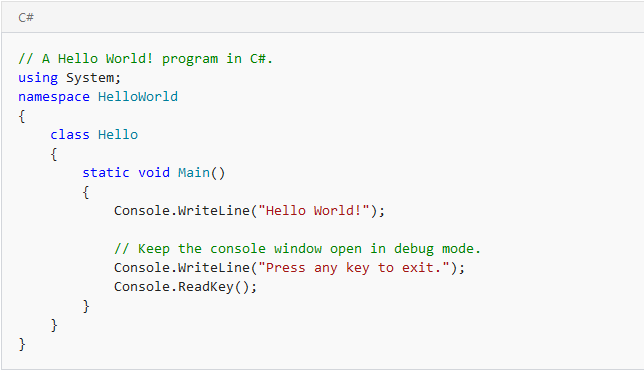
Method = Code का छोटा reusable block
हर method का अपना नाम, input, और काम होता है।
Example:
Call:
🟢 2. Method के Parts
Example:
Call:
⭐ 3. Method क्यों ज़रूरी है?
-
Code बार-बार लिखने की जरूरत नहीं
-
Logic clean और organized
-
Testing आसान
-
Maintenance simple
-
Big project छोटा-छोटा बन जाता है
🌟 4. Real-Life Example (सबसे Important!)
GPS Server में Commands कैसे Process होते हैं?
जब G17 / S15 device packet भेजता है,
उसमें कई commands होती हैं:
-
Location update
-
Heartbeat
-
Alarm
-
SOS
-
Low battery alert
-
Status update
हर command को handle करने के लिए अलग method बनता है।
Example:
अब हर function का अपना काम:
GPS packet:
Heartbeat:
Alarm:
इसी तरह बड़े GPS servers में 40–50 methods होते हैं,
हर एक का अपना role।
⭐ 5. Methods with Parameters
Call:
⭐ 6. Methods with Return Type
Use:
⭐ 7. Async Methods (Most Important in Web/API)
GPS servers, banking, billing software—
हर जगह async methods use होते हैं।
⭐ 8. Real-Life Example 2: Billing Software
Method to calculate total:
⭐ 9. Real-Life Example 3: School System
Attendance mark करने के लिए method:
🔚 Conclusion
Methods आपके code का दिमाग होते हैं।
इनसे आप:
-
Logic अलग रखते हो
-
Bugs कम होते हैं
-
Code clean रहता है
-
Project scalable बनता है
Real life में हर काम method करता है।



”)
0 Comments
Thanks for Commenting on our blogs, we will revert back with answer of your query.
EmojiThanks & Regards
Sonu Yadav